Editable exports
Preserve conversation headings, code fences, links, tables, and source math in plain Markdown.
 OmniChat Vault
Capture useful conversations from ChatGPT, Claude, Gemini, Perplexity, and Grok. Save clean Markdown, find past work in your vault, and share selected exports on your terms.
The Chrome listing is awaiting launch. Pro activation will be available once licensing is configured.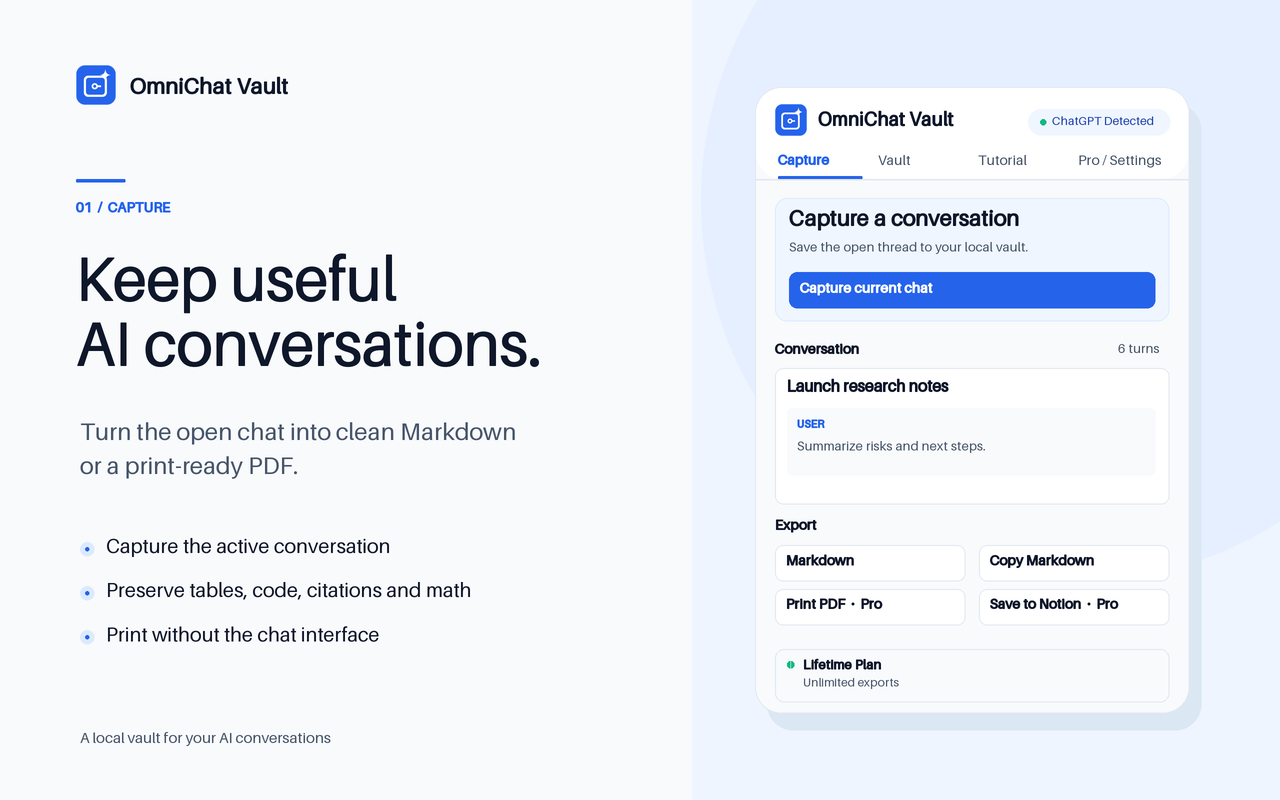
Preserve conversation headings, code fences, links, tables, and source math in plain Markdown.
Find saved conversations by title, message, or tag and filter the view by platform.
$29 once for print-ready PDFs, bulk Markdown ZIPs, complete vault search, and optional Notion sync.
Each guide includes a practical scenario, export steps, and a check you can run on the result.
Capture works on supported ChatGPT, Claude, Gemini, Perplexity, and Grok chat pages. Open the particular conversation and expand the parts you need before capturing.
Captures are stored in Chrome on your device. Optional Notion sync sends selected content to the workspace you explicitly connect.
Lifetime Pro is a one-time $29 purchase. It unlocks unlimited exports, complete vault search, print-ready PDFs, bulk Markdown ZIPs, custom YAML, and optional Notion sync.
Yes. Save a single chat as Markdown or extract a Pro bulk ZIP into a chosen folder inside your Obsidian vault.